No plan, no progress
See your progress, so you actually reach your dreams.
DreamTracker turns a goal into a plan you can follow, then shows how far you've come: today, this week and since you started. Less "busy but not progressing", more knowing what to do next.
How it works
Big dreams are broken down until every piece is something you can do this week. Progress is counted from the bottom up, so the numbers are always honest.
1
Goal
The dream you want to reach, with a deadline.
2
Milestones
The major stages on the way there.
3
Targets
Concrete outcomes within each stage.
4
Tasks
Work you can do, time and tick off.
What you get
Today and TODO
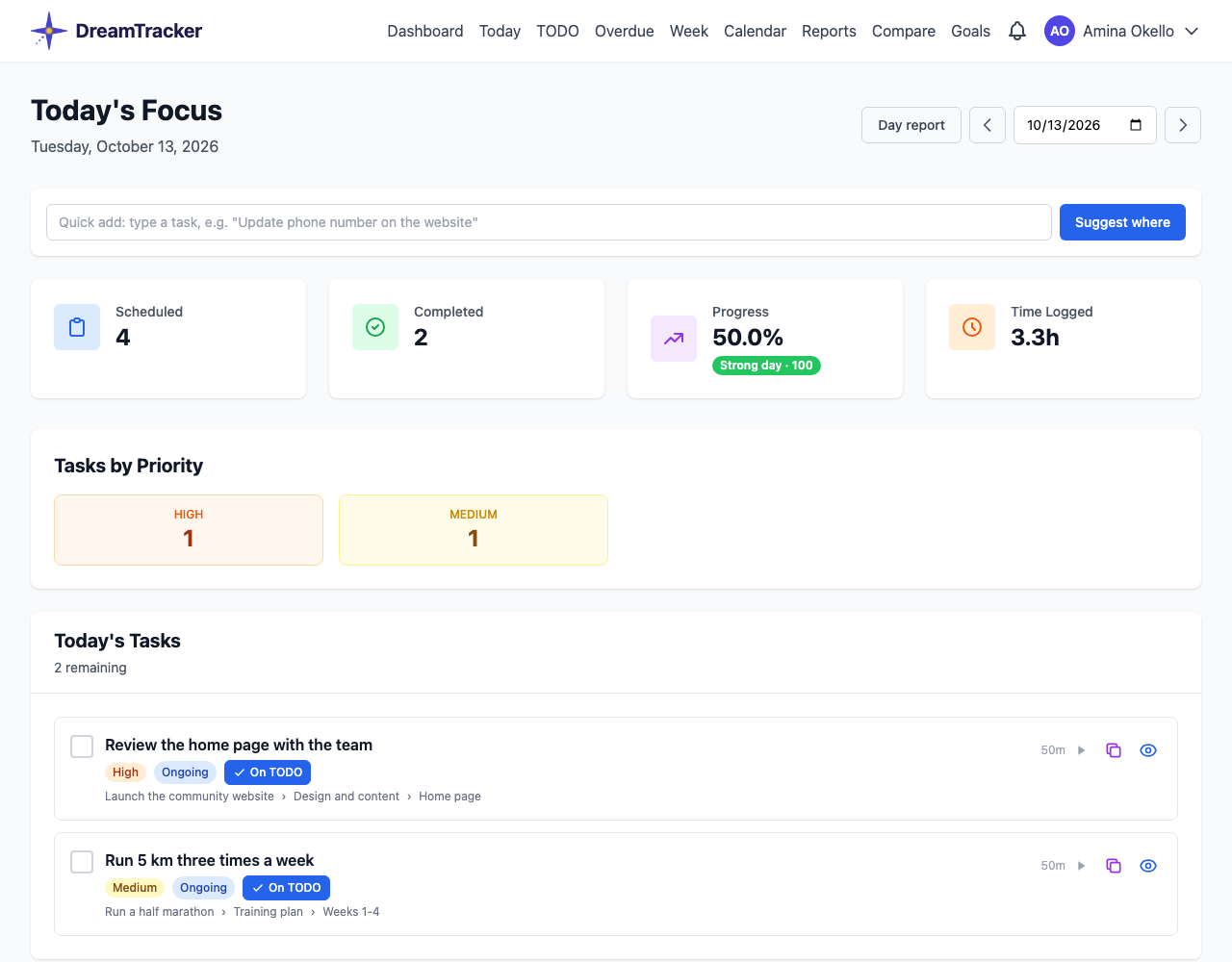
One list of what's scheduled and due, across all your goals, with a timer on each task.
Deadlines that tell the truth
Countdowns, an Overdue page, and a history of every deadline change, so estimates get better.
Time tracking
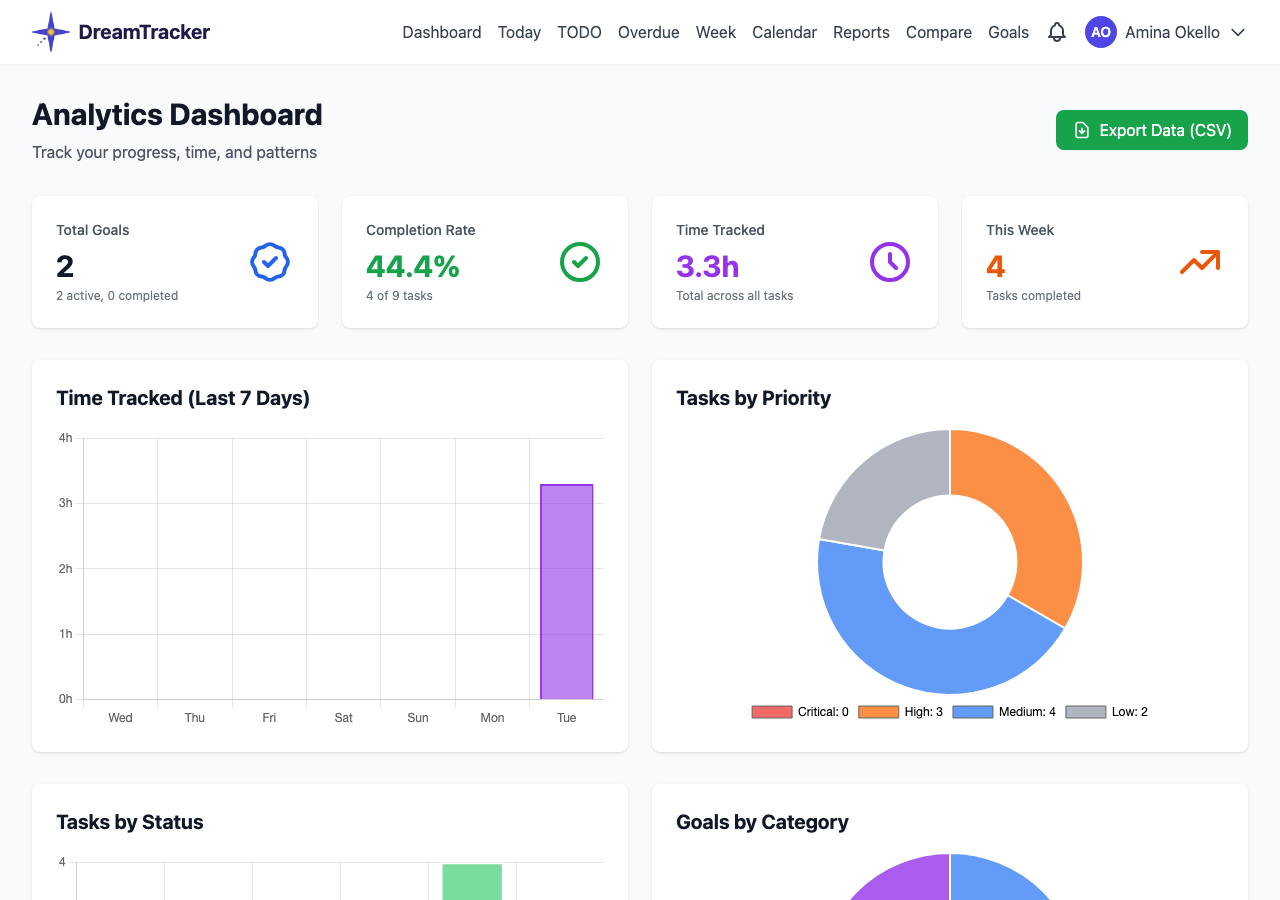
See where your hours went, by goal and by day.
A daily report
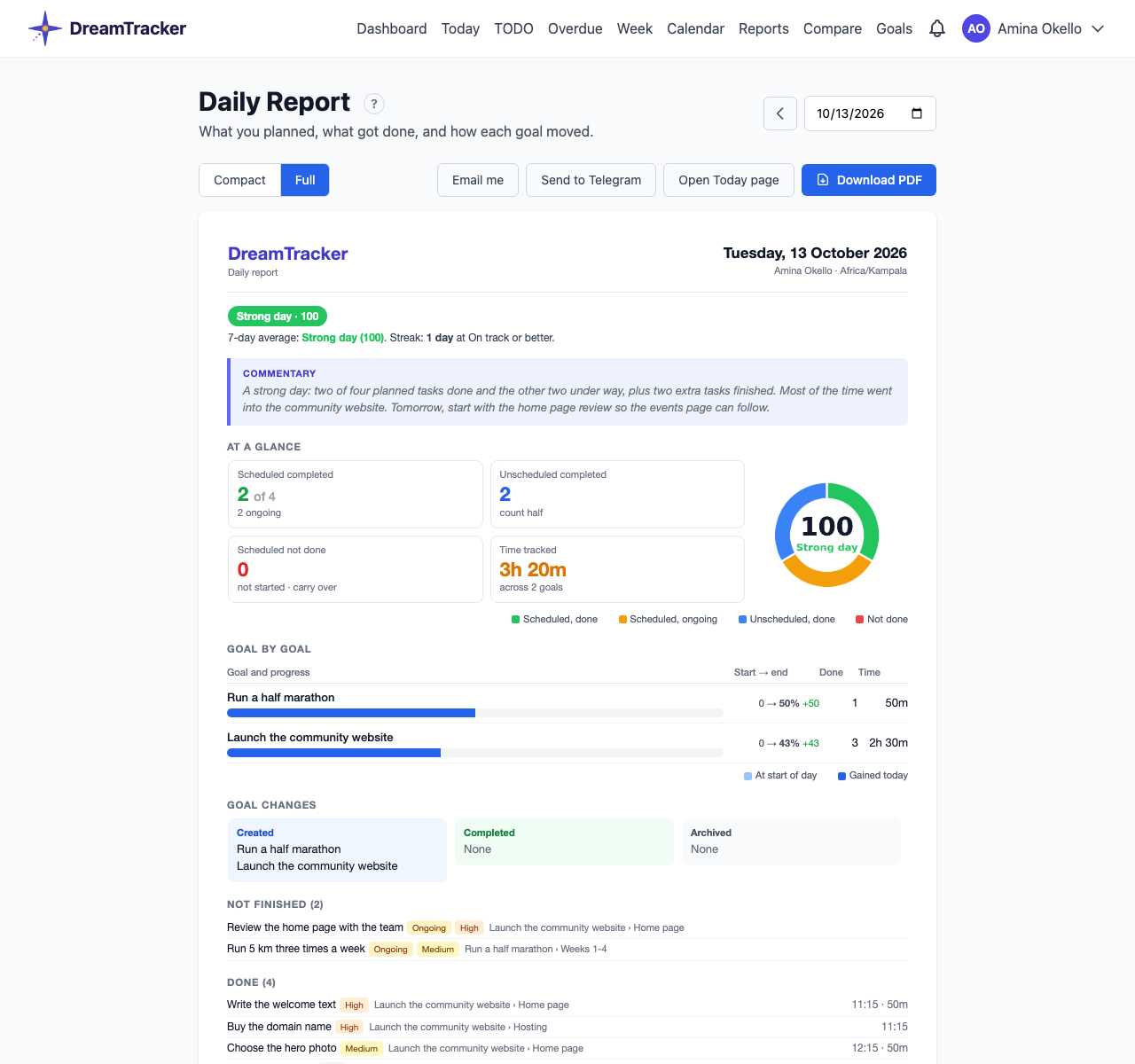
Each evening, a summary of the day's progress by email or Telegram, with a day score.
Week, calendar and reports
Look back over any period, compare goals side by side and export your data.
Work together
Invite people to a goal as editors or viewers and make someone responsible for each task.
Tracks your project work for you
If you work with Claude Code, DreamTracker can log tasks as they're finished and upload them on a schedule, so your software and writing projects keep themselves up to date.
A look inside
Start with one goal.
Break it down, do a little each day, and watch the progress add up.
New accounts are approved before first use.